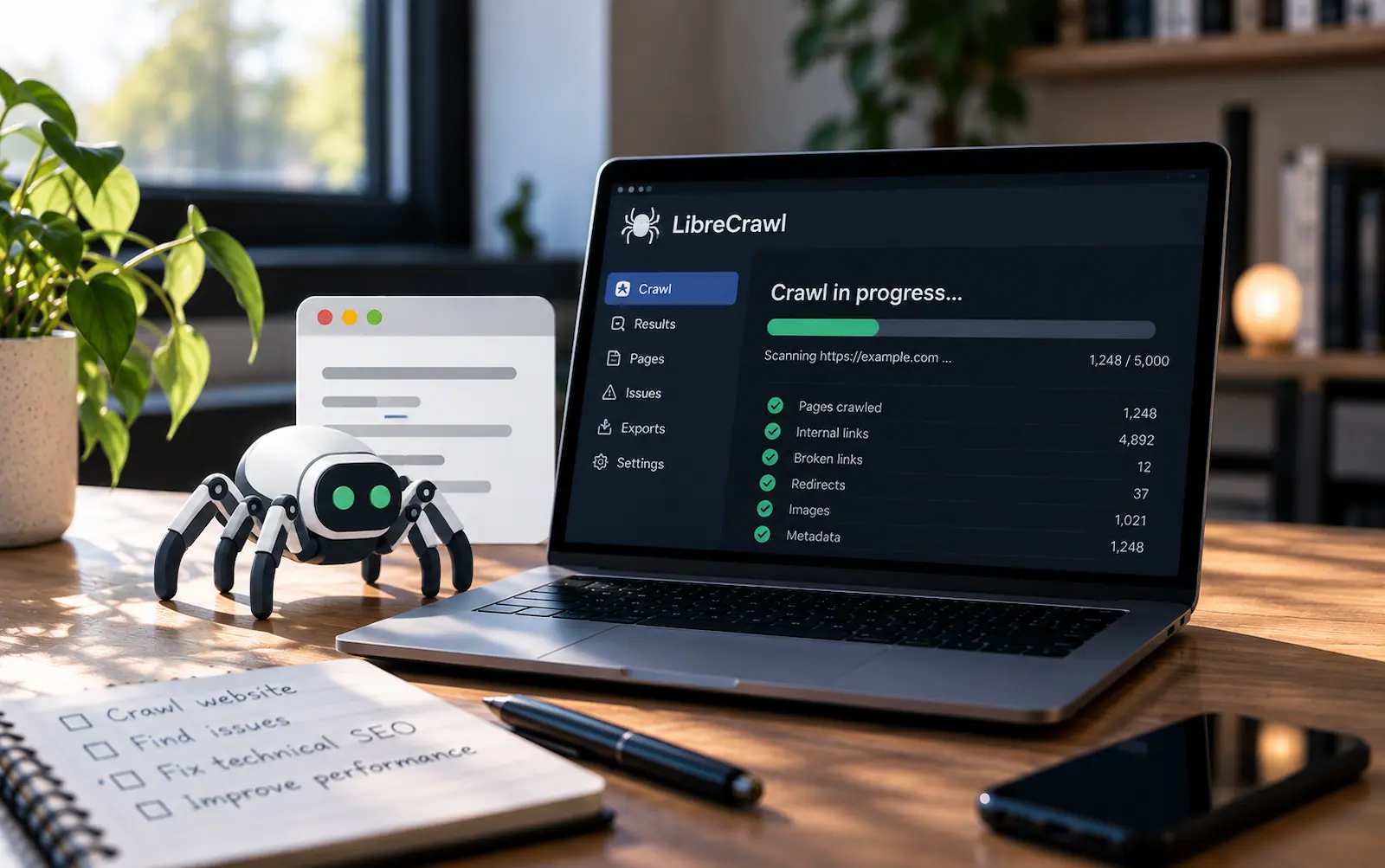
LibreCrawl: a free SEO crawler you can host yourself
LibreCrawl is a free, open-source SEO crawler you can run on your own computer or server. Its creators say they want “to democratize technical SEO analysis.” The software has no subscription fee. You provide the hardware to run it.
Screaming Frog SEO Spider is a useful comparison. Its free version crawls up to 500 URLs. As of October 2026, a paid license costs $279 per user per year for one to four users, $265 per user for five to nine, $249 for ten to nineteen, and $235 for twenty or more. Five paid seats cost $1,325 a year.
What it checks
Give LibreCrawl a website and it will follow its links, collect titles, meta descriptions, headings, and link data. It flags SEO issues and has the option to use Google’s PageSpeed Insights. Optional Playwright rendering lets it examine pages that load content through JavaScript. You can export the results as CSV, XLSX, JSON, or XML. The project README lists the available features.
That makes it useful after a redesign or during a routine technical SEO review. A crawl can point you to broken links, missing metadata, and other problems you overlooked when publishing. Check the flagged pages yourself before deciding what needs fixing.
How to set it up
The fastest route is the startup script in the repository: start-librecrawl.bat on Windows, start-librecrawl.sh on Linux and Mac. It looks for Docker first and runs the crawler in a container if it finds it. Otherwise it installs Python and the dependencies, adds the Playwright browser for JavaScript rendering, starts the app, and opens your browser at http://localhost:5000. On Windows, the script’s automatic Python install is disabled for now, so install Python yourself if you do not have Docker.
Installing manually comes down to Docker or Python. With Docker, clone the repository, copy .env.example to .env, run docker compose up -d, and open http://localhost:5000. With Python, you need version 3.8 or later; run pip install -r requirements.txt, then start the app with python main.py --local. Add playwright install chromium if you want JavaScript rendering.
LibreCrawl runs in two modes. Local mode gives you admin access and no rate limits, and it is the one to use when you host the crawler for yourself. Standard mode adds accounts and access tiers, with guests limited to three crawls per day. Use it only when sharing the crawler with a team.
Some comfort following command-line instructions will help. Once it is running, you use it through a browser.
Running your first crawl
Open Settings before you start. There you can set crawl depth, delays, a custom user agent, timeouts, a proxy, and whether to respect robots.txt. Set a reasonable delay and keep robots.txt respected when you crawl a site that is not yours. Turn JavaScript rendering on only for pages that load content through JavaScript. If you want PageSpeed numbers, add a Google API key under Settings > Requests; it raises the quota to 25,000 requests per day instead of the limited anonymous rate.
Then enter your URL and watch the crawl build in real time. When it finishes, review the flagged issues, check a few of those pages against the live site, and fix what the evidence supports. Export the results as CSV or XLSX when you need them in a report.
When to pick it over Screaming Frog
LibreCrawl gives you the unlimited crawling that Screaming Frog charges $279 a year for. What you give up is the rest of Screaming Frog’s feature list. Its pricing page includes scheduling, Google Analytics and Search Console integration, custom extraction, spelling and grammar checks, and site visualisations, even in the free version. LibreCrawl has none of those, at any price. For a solo site owner or a freelancer watching tool costs, the trade can work. If your audit process depends on those integrations, it will not.
The project is young, too. The repository dates from September 2025 and has no tagged releases yet, so you run the current state of the code. The creators say its memory management has handled crawls past a million URLs. There is no support contract to fall back on; you are responsible for running and maintaining the app.
Who is behind it
LibreCrawl is built and maintained by a developer who goes by PhialsBasement, with contributions from other developers. The project says it will never add paid tiers, and its README accepts donations to support development. The MIT license means you can fork and modify the code. A plugin system extends it: a JavaScript file dropped into the plugins folder becomes a new tab in the app, and the community shares plugins through a Plugin Workshop.
Limits to keep in mind
Its documentation notes that large sites take time to crawl, JavaScript rendering is slower than a basic HTTP crawl, and PageSpeed requests are subject to API limits. Two more things worth knowing are that settings are stored in your browser’s localStorage, so clearing browser data resets them, and there is no crawl scheduling yet, though the creators list it on their roadmap. Start with a small crawl and check a few reported issues against the live pages before relying on it for a full-site audit.